Design Field Post-Processing
Design fields to
fabrication-ready geometry.
XelToFab handles the full pipeline — preprocessing, extraction, smoothing, repair, and quality analysis — so your optimization and neural field results are ready for simulation or fabrication.
How it works
Four stages, one function call.
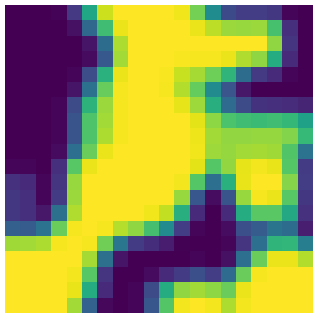
Preprocess
Gaussian smooth, threshold, morphological cleanup
Input: scalar field
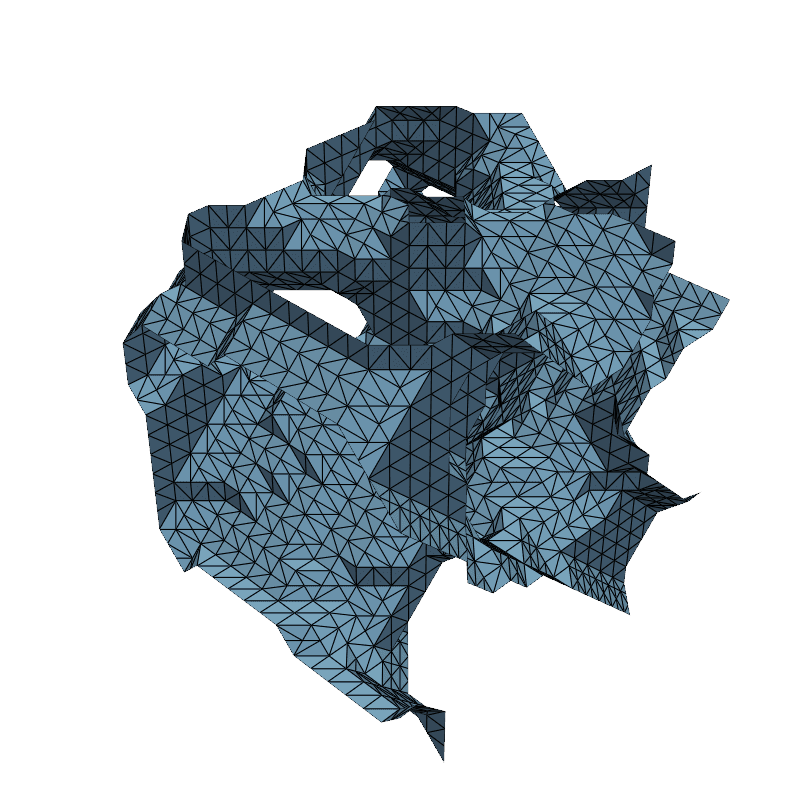
Extract
MC / DC / Surface Nets / manifold3d (3D), marching squares (2D)
Input: binary volume
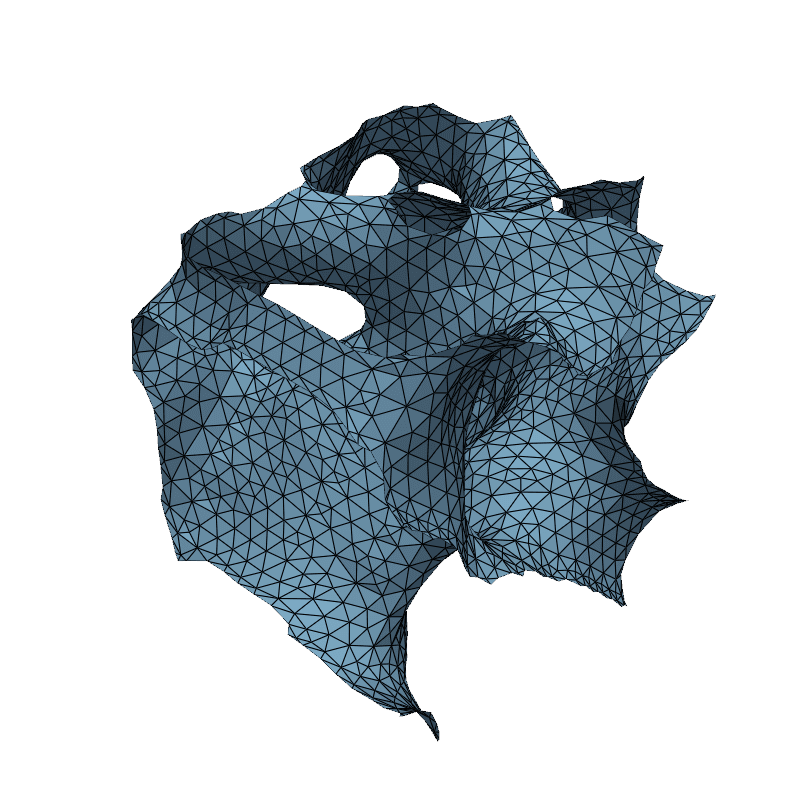
Smooth
Taubin filtering removes staircase artifacts
Input: triangle mesh
Output
STL, OBJ, PLY — fabrication-ready geometry
Input: smoothed mesh
Minimal API
Three lines to a mesh.
Load any scalar field — NumPy, MATLAB, VTK, HDF5 — run the pipeline, save the result. Parameters are sensible defaults you can override when needed.
from xeltofab.io import load_field, save_mesh
from xeltofab.pipeline import process

result = process(load_field("field.npy"))
save_mesh(result, "output.stl")
Capabilities
Built for field-based design workflows.
2D & 3D Support
Extract contours from 2D fields or triangle meshes from 3D volumes. Density fields, SDFs, and occupancy fields are all supported with configurable extraction levels.
Quality Metrics
Measure aspect ratio, minimum angle, and scaled Jacobian via PyVista. Validate meshes against FEA requirements before downstream use.
Extensible Architecture
Immutable pipeline state, pure stage functions. Add decimation, isotropic remeshing, or CAD export as new stages without touching existing code.
Multi-Format Input
Load scalar fields from NumPy, MATLAB, VTK, HDF5, CSV, and more. Auto-detection of common optimization variable names (xPhys, rho, density, etc.).
CLI & Python API
Use the xtf command-line tool for batch processing, or import xeltofab directly in Python scripts and notebooks.
Automatic Pipeline
Gaussian smoothing, thresholding, multi-method extraction (MC, DC, Surface Nets, manifold3d), and adaptive mesh smoothing — all configured with sensible defaults and overridable per-stage.